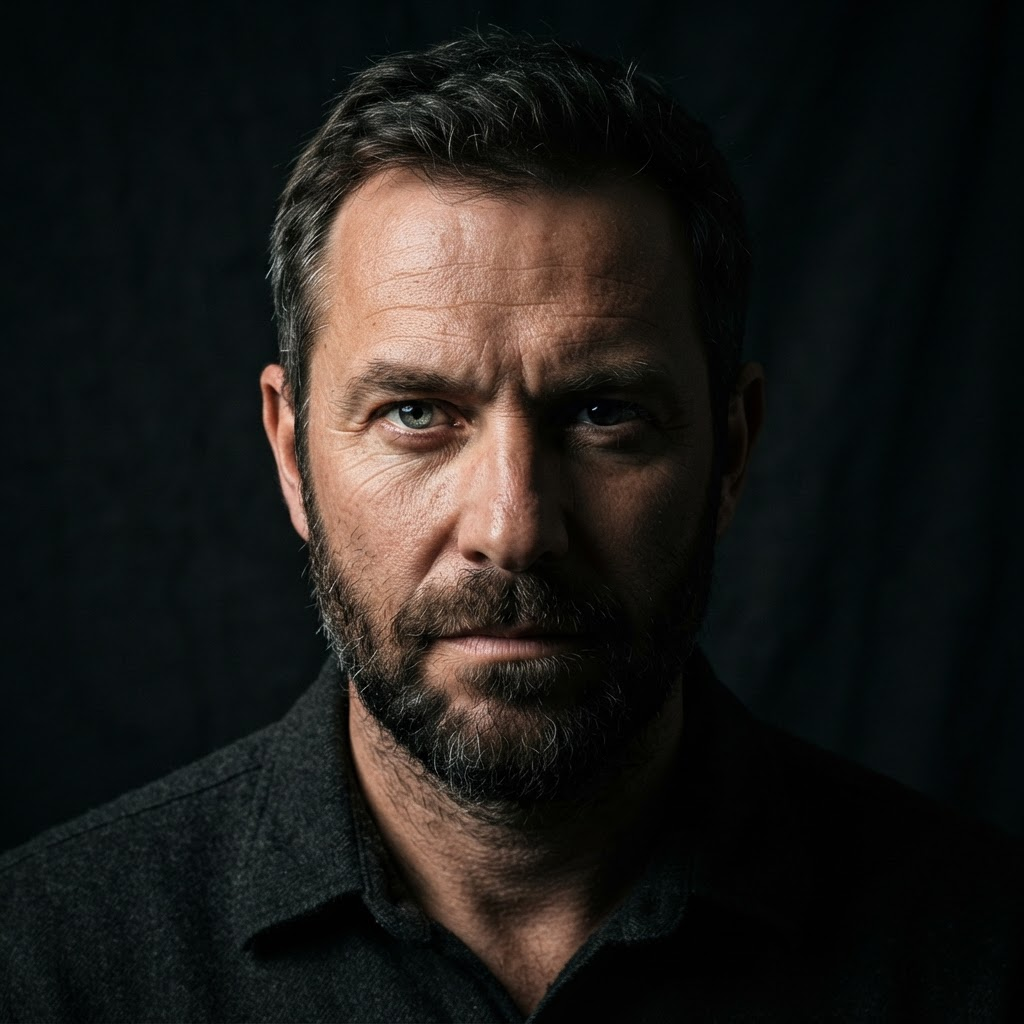
Original portrait before converting to ASCII art
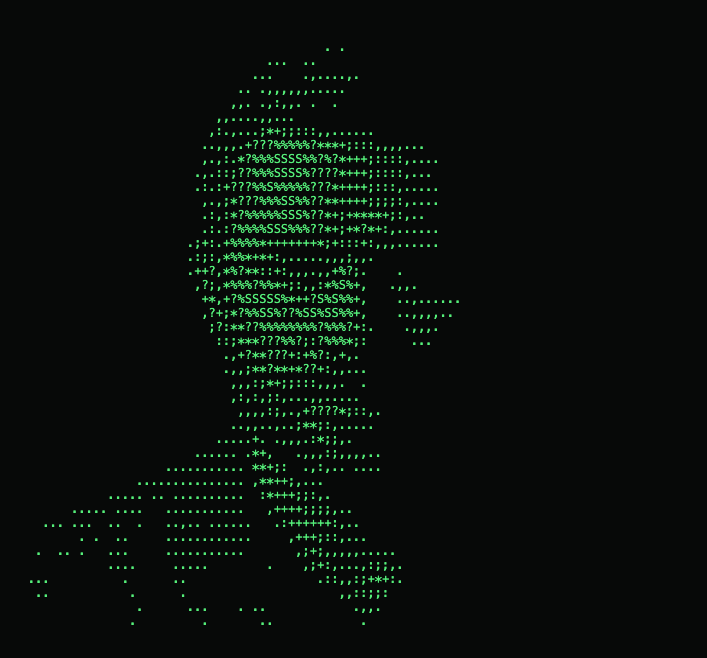
The same portrait converted into green ASCII art
BeforeAfter

Free browser-based text art tool

Free Image to ASCII Art Converter.

Convert a photo, logo, or drawing into monochrome or colored ASCII text art. Adjust the detail and export TXT, PNG, or HTML without uploading your file.

Convert an image
Instant conversion Private by design Color ASCII export

/ Image to ASCII

Convert a Photo to ASCII Art Online

Upload JPG, PNG, WebP, or GIF files and preview every character, color, and detail change immediately.

Local processingYour image never leaves this browser.
Character style
output.txt
waiting for image
Your ASCII art will appear hereChoose an image above to start.

Popular Uses for Photo-to-ASCII Text Art

From social posts to terminal art, here are popular ways people use our free online image to ASCII art generator every day.

  • ASCII avatars for social media

    Turn selfies and logos into eye-catching ASCII art for Twitter/X, Discord, and Reddit comments.

  • ASCII art for terminal banners

    Generate monospace ASCII wallpapers and neofetch-style banners for your terminal setup.

  • Colored ASCII posters and prints

    Export high-resolution text art to print retro CRT-style posters and stickers.

  • ASCII headers for README files

    Add ASCII art headers and diagrams to your GitHub README, CLI tools, and documentation.

  • Text art greetings and messages

    Create ASCII greeting cards, avatars, and message-of-the-day art to share with friends.

  • Retro photo-to-text artwork

    Experiment with a vintage text-art aesthetic for zines, album covers, and creative projects.

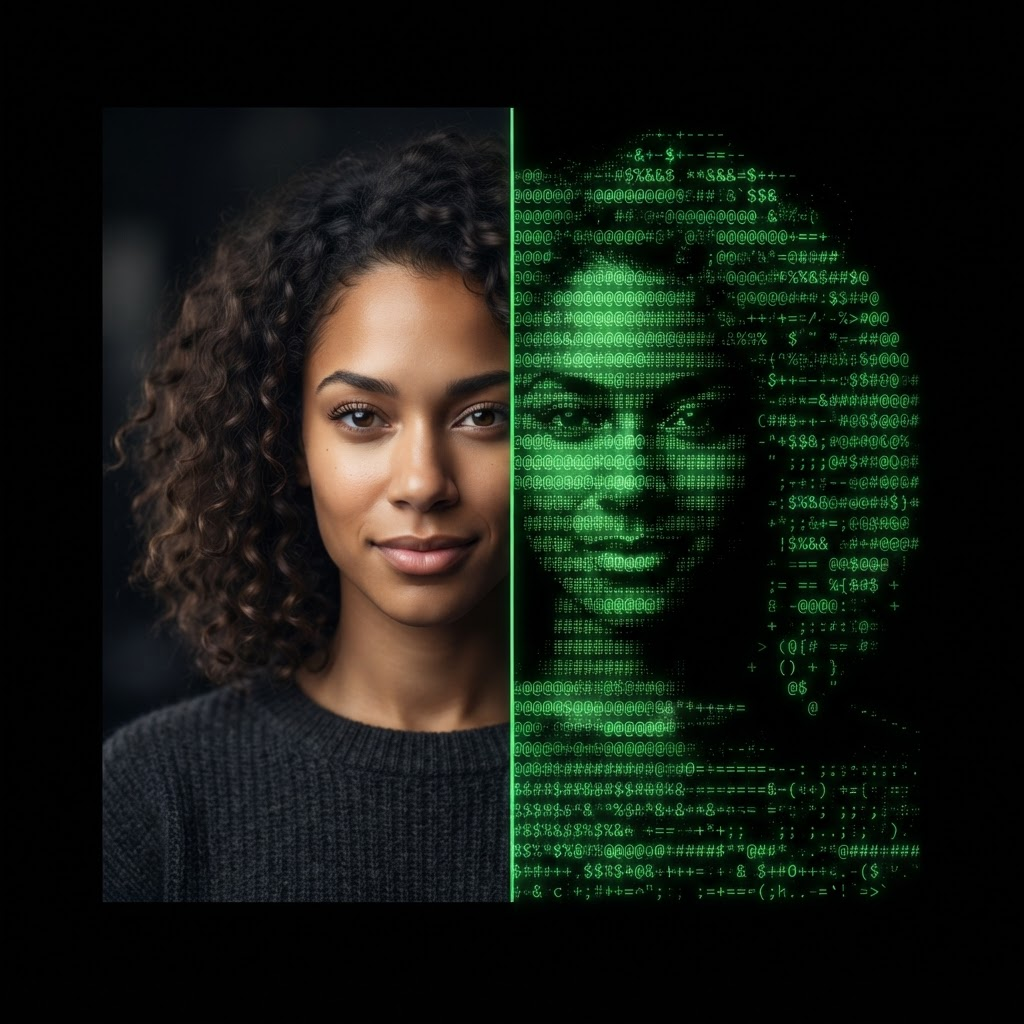
A portrait photo converted into green monospace ASCII art side by side
Source image / converted ASCII output

01 / From pixels to characters

What Is an Image to ASCII Art Converter?

Image to ASCII turns a photo, logo, or drawing into text art built entirely from keyboard characters.

Each pixel is measured by brightness and mapped to a symbol with a similar visual density. Dense characters such as @ and # create shadows, while dots and spaces reproduce highlights. The result is a recognizable picture made from plain text, generated in seconds without software or an account.

One converter, three useful formats: editable text for terminals, PNG for sharing, and self-contained HTML for colored ASCII art.

02 / Simple workflow

How to Convert a Picture to ASCII Text Art in Three Steps

The complete image-to-text workflow runs locally, so every adjustment feels immediate and your original file stays private.

  1. 01Upload your image

    Drop in a JPG, PNG, WebP, or GIF. The file is read locally and never sent to a server.

  2. 02Shape the ASCII result

    Tune output width, character density, brightness direction, and original pixel color.

  3. 03Copy or export

    Copy plain text, download a TXT file, or preserve colored characters in PNG and HTML.
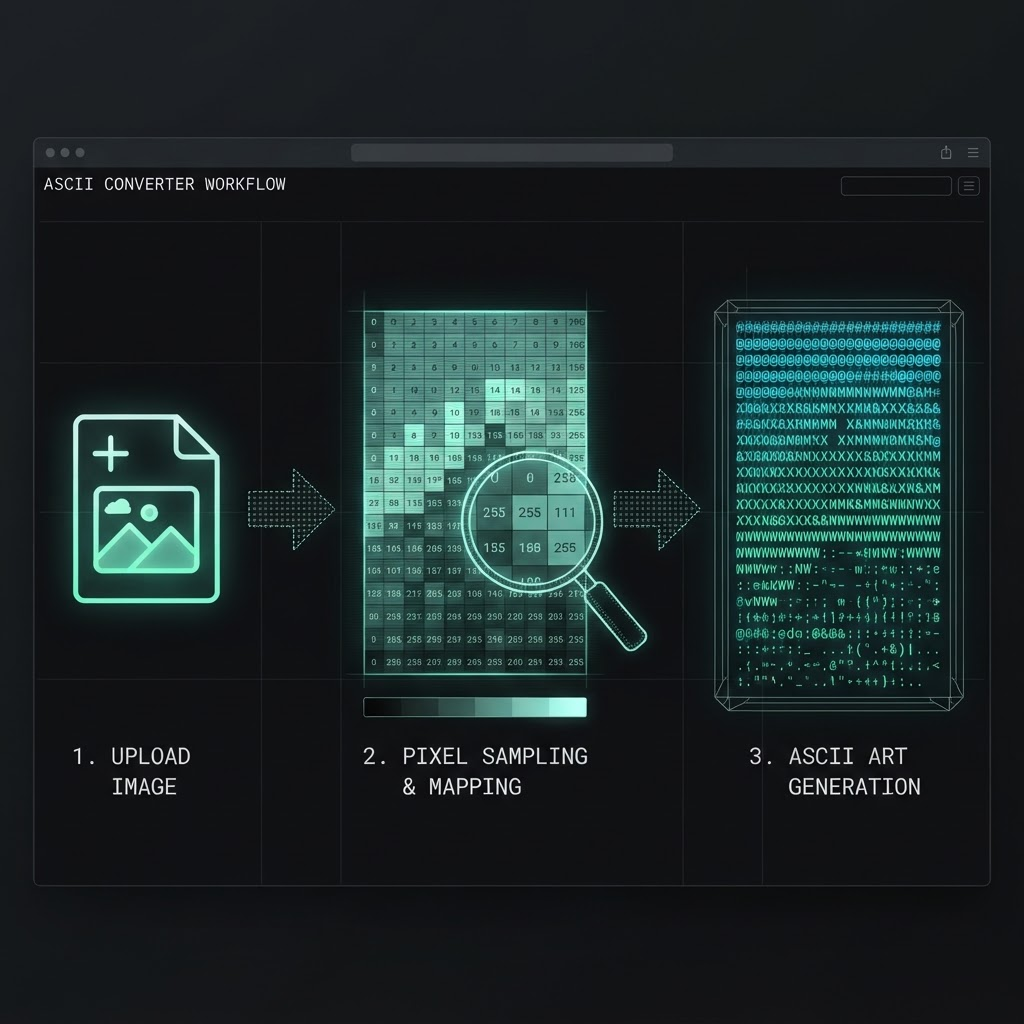
Diagram of the three step workflow to convert an image to ASCII art
Upload / sample brightness / map pixels to ASCII characters
Original portrait before ASCII conversionOriginal
Portrait rendered as green colored ASCII artASCII
Local processing keeps the source image on your device.

03 / Built for real work

Why Use This Private Browser-Based ASCII Generator?

Fast conversion should not require uploading personal photos or waiting in a server queue. This tool keeps the entire process on your device and gives you direct control over detail, tone, color, and output format.

Free with no signup

Convert unlimited images with no account, subscription, usage cap, or watermark.

Private browser processing

Every conversion stays on your device, even when you start with a high-resolution photo.

Monochrome or full color

Build classic terminal text art or retain the source pixels for a photographic result.

04 / Make it useful

Where Can You Use ASCII Art Made from Photos?

ASCII art renders anywhere monospace text is supported. It is lightweight, easy to edit, and useful well beyond retro graphics.

  • Terminal banners, CLI tools, and log files
  • README headers and source-code comments
  • Discord messages, forum signatures, and social posts
  • Email signatures, prints, lessons, and creative projects

How to Get More Detailed ASCII Art from a Photo

Start with a high-contrast image and a clearly separated subject. Increase output width or choose the detailed character set for more texture. Use inverted tones for dark terminals, or enable Original colors and export PNG or HTML for a more photographic result.
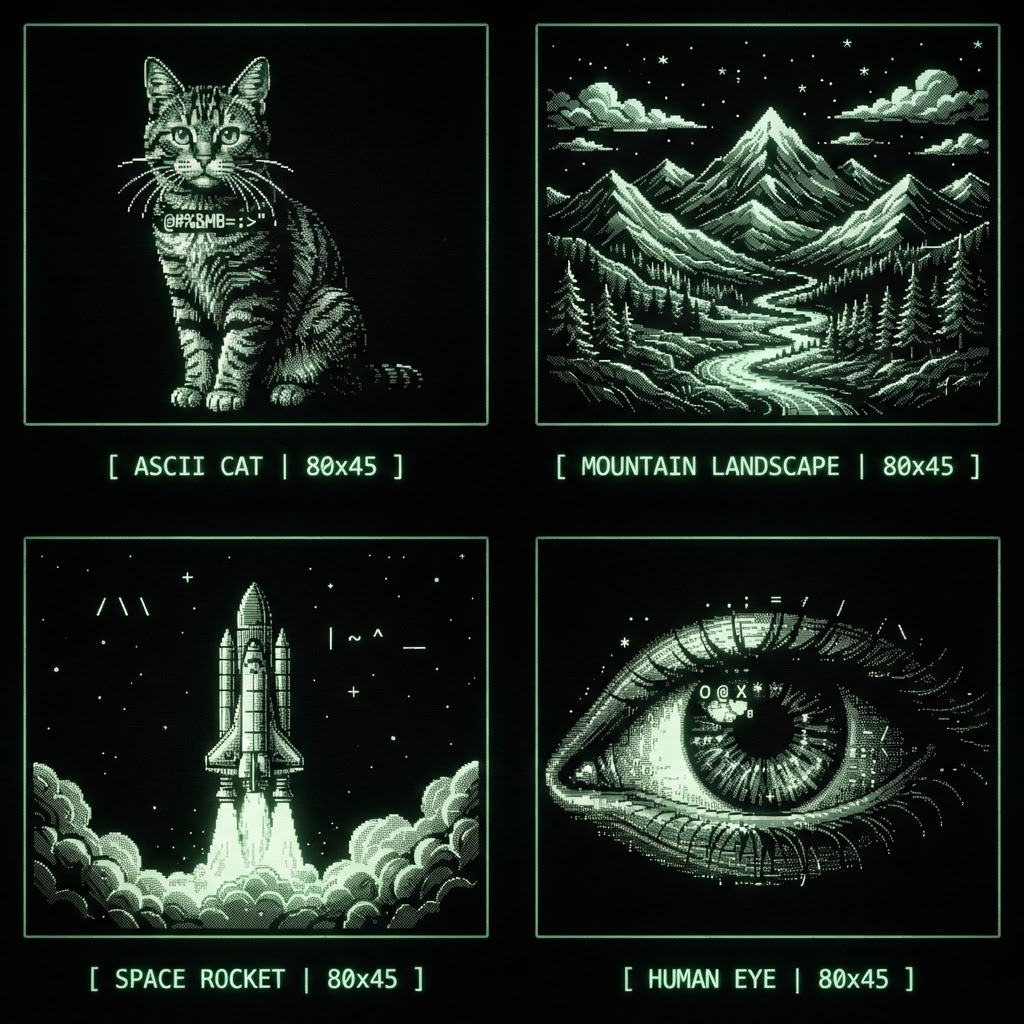
A gallery of ASCII art examples including a cat, mountain, rocket, and eye
Portraits, landscapes, illustrations, and bold graphics all produce distinct results.

Free Image to ASCII Converter Questions

Everything you need to know about converting an image to ASCII art free online.

An image to ASCII converter analyzes the brightness of every pixel in your picture and replaces it with a text character that has a similar visual density. Dark areas become dense symbols like @ and #, while light areas become sparse characters like dots or spaces. The result is a text-only recreation of your image, known as ASCII art.

Yes. Image to ASCII is completely free online with no sign-up, no watermark, and no usage limits. You can convert as many images to ASCII art as you like and copy or download the result at no cost.

No. All conversion happens locally in your browser using the HTML canvas API. Your image never leaves your device, which makes this one of the most private ways to convert an image to ASCII art online.

You can upload PNG, JPG/JPEG, WEBP, and GIF files. For best results, use a high-contrast image where the subject stands out clearly from the background.

Increase the resolution (width) slider for more columns of characters, and switch the character set to "Detailed" which uses 70 brightness levels. High-contrast photos with a clear subject produce the cleanest ASCII output.

Ready when you are

Create ASCII Art from Any Image in Seconds

Start converting